
RideStyler eCommerce allows you to specifically edit fields to improve your site’s search engine optimization (SEO). You can edit things such as a page’s URL, meta title and description. SEO information can be edited for most site pages.
Viewing SEO Information
Sign into your eCommerce administrator panel. Use the left-hand menu to navigate to whatever type of page you’re looking to edit (for example Topics or Products).
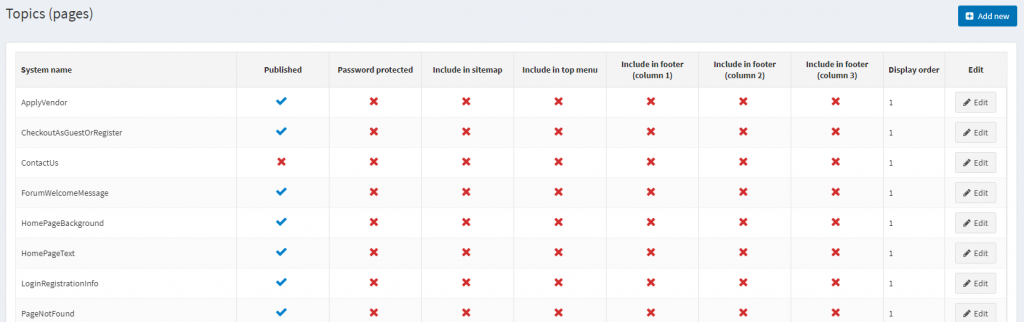
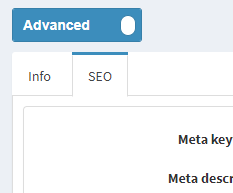
Then, click the “Edit” button to the right of the page you wish to edit. At the top, toggle the “Information Panel” to Advanced.

Then, click the “SEO” Tab.
Editing SEO Information
From the SEO tab, you can edit the available options.
- Meta Keywords – A series of keywords you deem relevant to the page in question.
- Meta Description – Meta description to be added to the page header. This will provide a brief summary of the page when it appears in search results.
- Meta Title – Override the page title. The default is the name of the page or product. This acts as the title for the page when it appears in search results.
- Search Engine Friendly Page Name – Set a search engine friendly page name e.g. ‘the-best-product’ to make that your page URL ‘http://www.yourStore.com/the-best-product’. Leave empty to generate it automatically based on the name of the product.
Click “Save” or “Save and Continue Edit” when finished editing.