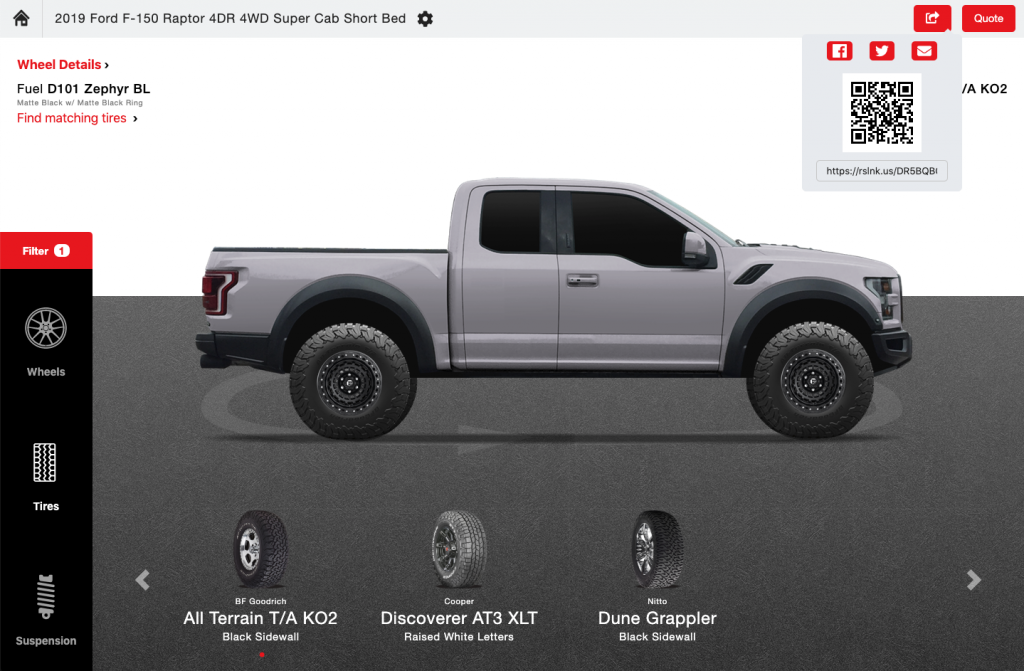
The RideStyler Visualizer allows users to share their creations via social media and email. They can also quickly scan a QR code with their mobile device to get a link to a customized web page with the vehicle and product info they need (for example, if they want to visit one of your retail locations). Turning on the Share feature is super easy – just follow the steps below:
Share Setting
1. Login to account.ridestyler.com.
2. In the left-hand menu, click on Company and then click on Information.
3. Click on the toggle next to “Enable Sharing.”
You’re all set! Now, when you launch your Visualizer, you should see a new Share button in the top right-hand corner.