
The RideStyler Visualizer provides support for tire recommendations based on the user’s selected vehicle and wheel. Users can also visualize tires on their vehicle. To enable this functionality in your Visualizer, you need to enable at least 1 tire brand in your Account Settings. Once 1 or more brands are enabled, the Tires section will automatically show up (you may need to refresh your Visualizer page if you already had it open).
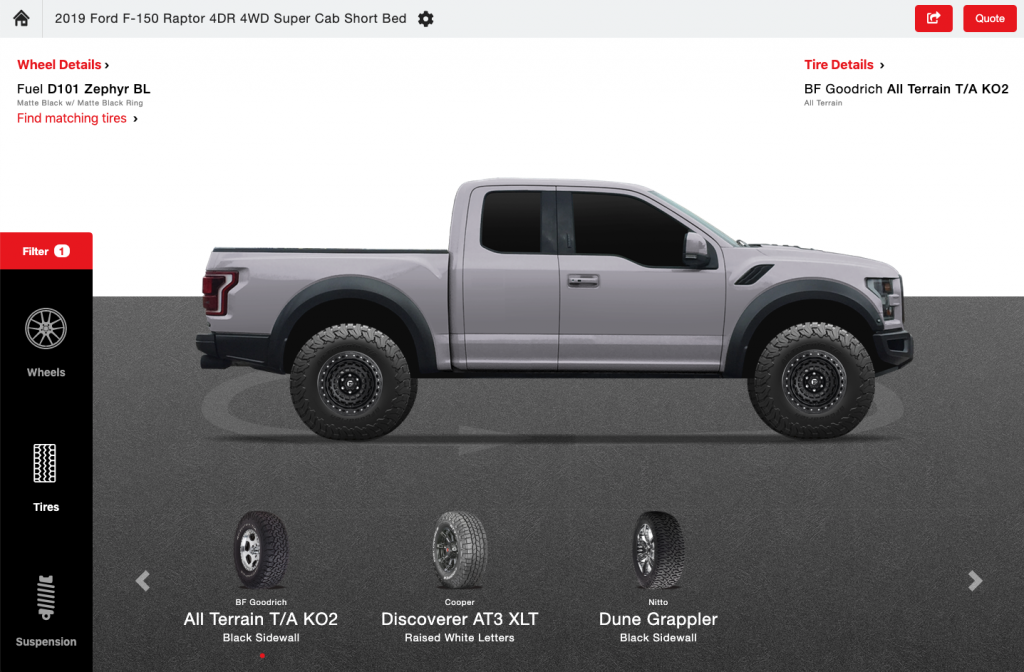
To learn how to enable tire brands on your Account, read the article Managing Your Wheel & Tire Brands.